



Blackjack et Roulette en Temps Réel, et Bien Plus, sur Slotsdj Casino au Canada
October 24, 2026Hogyan regisztrálj a Drip Casinón – Gyors útmutató
October 25, 2026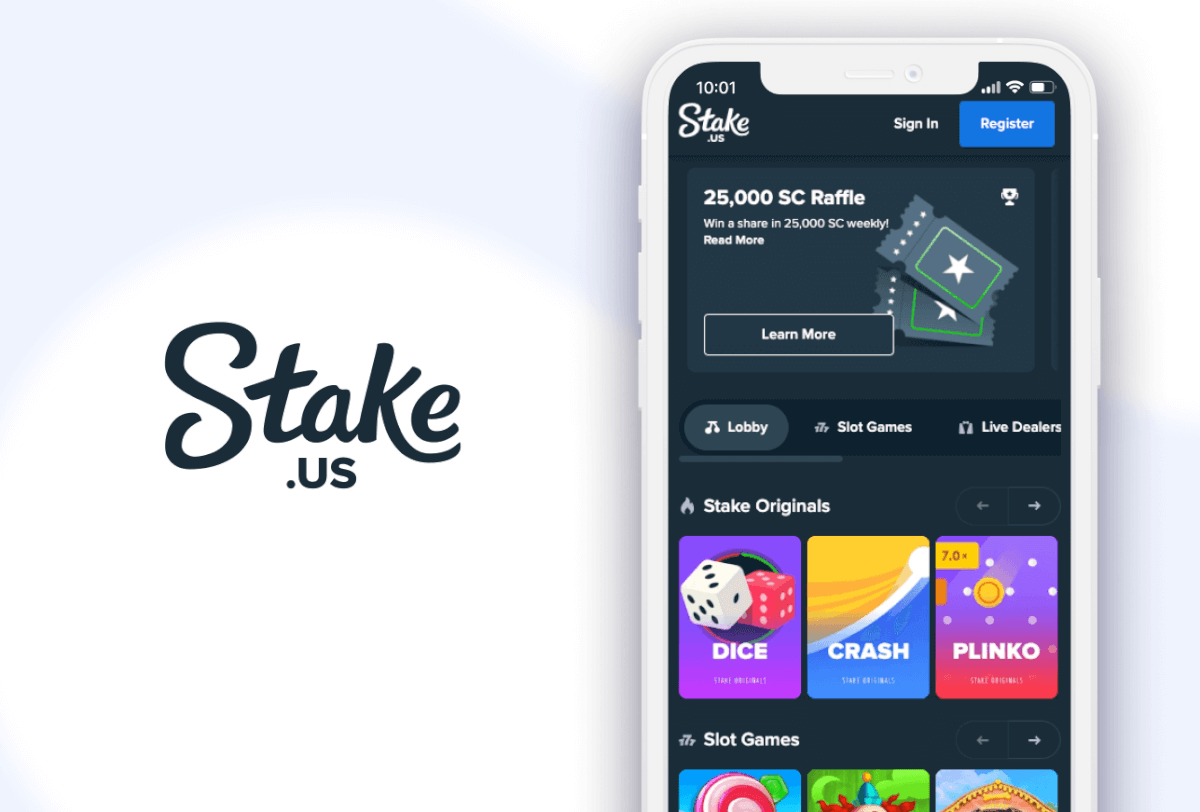
If you are an Australian who likes online casinos, you know that becoming proficient with the platform is a big part of the experience https://stakeecasino.com/en-au/. Stake Casino is widely used here, but the many features can appear confusing at first. I dedicated plenty of time discovering how to get around it faster. This is my account of that process—picking up the shortcuts and tricks that turned clunky navigation into something smooth, so I could spend more time actually playing.
Why Platform Efficiency Matters for Aussie Players
While gaming online, you don’t want to waste time. For us in Australia, that means managing a bankroll in AUD, catching promotions on our schedule, and getting to our go-to games without a fuss. Getting the hang of the Stake Casino layout truly helps. It removes the annoying bits and enables you to zero in on your next move, instead of dealing with menus to load.
Tailoring the Interface for Quickness
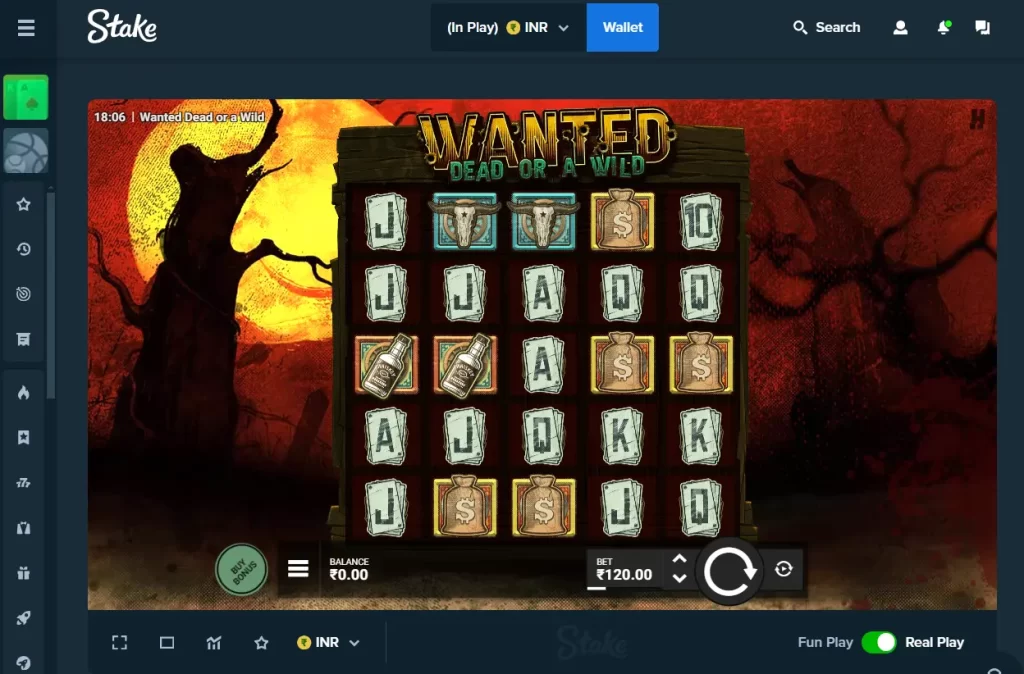
You can tweak Stake Casino’s interface to cut down on time. Try switching off unnecessary animations and setting your audio preferences once. It minimises distractions. I also think it faster to sort the game lobby by ‘Most Played’ or to use the search bar—it anticipates what you’re typing, so you discover a specific game much faster than scrolling.
Learning the Mobile App Gestures
A lot of Australians use the Stake Casino mobile app for the comfort. It’s all about touch motions. Slide left or right in the game lobby to browse groups—slots, originals, live games. For table games on a small screen, use pinch-to-zoom. Press and hold a game icon, and you’ll typically get a menu to play a demo or add it to your favourites.
Must-Know Keyboard Shortcuts for Desktop Play
If you use Stake Casino on a computer, keyboard shortcuts can transform your life. They let you hop to important sections with a single tap, no mouse required. Committing to memory just a handful of these makes everything quicker, from checking your balance to hopping into a live dealer table. Your whole session gains a faster rhythm.
Profile and Browsing Shortcuts
Tap the ‘B’ key, and you’ll typically pop open the cashier to check your balance. Hitting ‘P’ often sends you directly to your profile settings. If live dealer games are your thing, a key like ‘L’ can be a direct ticket to that lobby, bypassing the main directory. After a while, you’ll rely on them without even noticing.
Betting and Game Efficiency Keys
In quick games like crash or dice, speed is key. The spacebar commonly places your last bet again, while enter can confirm a wager. Some game pages even have their own shortcuts for raising your bet or collecting fast, which is a game-changer when things get tense.
Simplifying Deposits and Withdrawals in AUD
We everyone wants to manage our money in Australian dollars. Stake Casino offers several AUD-friendly choices. When you establish a chosen deposit method, for example Neosurf or Paysafecard, and store the details securely, what previously required several steps becomes two clicks. The same applies to withdrawals: verify your details ahead of time. This way, cashing out is almost as quick as placing a bet.
- Verify your account with your ID and other documents in advance.
- Keep your go-to AUD deposit method for one-click use in the future.
- Choose withdrawal limits in your account settings to make things automatic.
Utilising Quick Links and Favourites
I think the ‘Favourites’ feature is one of the best ways to streamline things. When you favourite your go-to games, you construct a custom menu for quick access. Also, monitor the homepage banners. Stake Casino puts quick links there for new promotions or game launches. A quick peek can get you into a bonus offer or a trending new title, no hunting required.
Leveraging Stake’s Unique Features for Faster Play
Stake Casino has its own games and a social chat, and these have their own tricks. In originals like ‘Plinko’ or ‘Dice’, you can set up and store custom bet presets. That implies you don’t have to type in amounts every single round. In the chat, quick commands like typing “/loyalty” view your status, and using ‘@’ tags friends easily. These small things render the whole platform feel more connected.
- Establish and save your own bet strategies in the Stake Originals games.
- Use chat commands like “/loyalty” for a fast status check.
- Mark the promotions page to keep up with offers for Australian players.
Frequently Asked Questions
Do Stake Casino keyboard shortcuts accessible on every browsers?
The primary keyboard shortcuts function on browsers like Chrome, Firefox, and Edge. At times, a browser extension or a particular setting can block them. I’d advise using the shortcuts in your main browser first, and verify if any other program might be using those very keys.
Can I use shortcuts on the Stake Casino mobile app?
The mobile app won’t use keyboard shortcuts. It’s built for touch, so you slide, tap, and long-press to get around. These gestures are designed to be fast, enabling you access games, the cashier, or your settings swiftly, all without a keyboard.
What’s the way to I favourite a game for quick access on Stake?
Search for the game in the lobby. On a computer, hover your mouse over the game’s image and click the star icon that pops up. On your phone, typically a long press on the game icon will bring up an ‘Add to Favourites’ option. Then, all your starred games live in a special ‘Favourites’ tab for one-tap access.
What is the swiftest way to deposit AUD on Stake Casino?
For the speediest AUD deposits, prepaid vouchers such as Neosurf or Paysafecard are hard to beat. Cryptocurrencies such as Bitcoin or Litecoin are also extremely fast. Make sure you’re logged in and possibly use a saved link to the cashier. That mix gets your funds in play nearly immediately.
Are there there shortcuts to claim bonuses in Australia?
Some bonuses are automatic, but a lot need you to activate them yourself. I bookmark the ‘Promotions’ page and check it often. Sometimes you’ll see a direct claim button on the homepage or a notification appear right in the platform, which is the speediest route for us here.
Is it possible that customising settings actually make Stake Casino faster?
Yes, it can. Switching off extra animations and sounds trims a bit off loading times and saves data. Adjusting your bet limits and sound options in advance means fewer fiddling during a game. These little adjustments add up, making the whole interface seem sharper and allowing you concentrate on the game.
